


The office presents mobility challenges that outdoor and home environments do not: long smooth-surface corridors where the cane tip can slip, meeting rooms that require carrying materials while using a cane, and workstation setup that may not account for cane storage or posture. None of these are insurmountable, but they require thinking through before the first day with a cane.
This article covers office-specific cane use: technique adjustments for indoor smooth surfaces, workstation setup, social navigation, and the legal context for workplace cane use.
Tip Selection for Office Floors
Smooth office floors present lower COF than outdoor surfaces. The gap between a good tip and a poor tip is largest on these surfaces. Measured lateral slip on smooth wet indoor surfaces:
- Standard ferrule: 14-18mm lateral slip
- DaiWalk Steady Tip: 3mm lateral slip
The risk scenario in the office is a slippery floor near a coffee point, a wet entrance after rain, or a polished conference room floor. Tip selection should be made for the worst floor surface encountered in the building, not the most common.
Workstation Setup
The cane needs to be parked when seated. A cane that falls creates noise, requires bending to retrieve, and draws attention. Practical options:
- Cane hook on desk edge: purpose-made clips attach to desk surface, hold the cane vertically
- Lean at the desk corner: works with a shaft that stands stable, less reliable on smooth floors
- Under-desk storage: lay the cane horizontally under the desk when seated for extended periods
Workstation height should allow comfortable arm position when using the cane to rise from the chair.
Carrying Materials While Using a Cane
A standard cane occupies one hand. Solutions for carrying in the office:
- Shoulder bag or backpack: keeps items off the cane hand, leaves the non-cane hand free
- Wheeled briefcase or laptop bag: reduces carry load to pulling a handle
- Lanyard on cane: the DaiWalk leather lanyard allows the cane to loop at the wrist while briefly using both hands
- Tray avoidance: take multiple trips or ask for assistance rather than attempting to carry a tray while using a cane
Navigating the Social Dimension
Cane use at work involves colleagues noticing and often commenting. Two valid approaches:
Proactive disclosure: a brief explanation to close colleagues reduces repetitive questions. A one-sentence explanation is sufficient. Most workplace social discomfort around cane use dissipates once people have a brief explanation.
Non-disclosure: equally valid. The cane is visible and no further explanation is required. Questions can be met with a brief acknowledgment. No further detail is owed.
Ergonomic assessment: most larger employers offer occupational health assessments. A referral can result in workstation adjustments, parking permit assessment, or flexible working arrangements that complement cane use.
Legal Context
Under the ADA (US), Equality Act 2010 (UK), and equivalent EU legislation, employers must provide reasonable workplace accommodations. Using a cane at a workstation is inherently reasonable. Accommodations that may be relevant include accessible parking, ground-floor workstation, and flexible break arrangements.
For formal accommodation requests, see our article on walking cane legal rights.
Meeting Rooms and Moving Through the Building
Extended walking through a large building adds up. In a building with several hundred metres of daily walking, the cane provides significant cumulative load reduction. For meetings where the cane may be set down, the wrist lanyard prevents the cane from being left behind when leaving quickly.
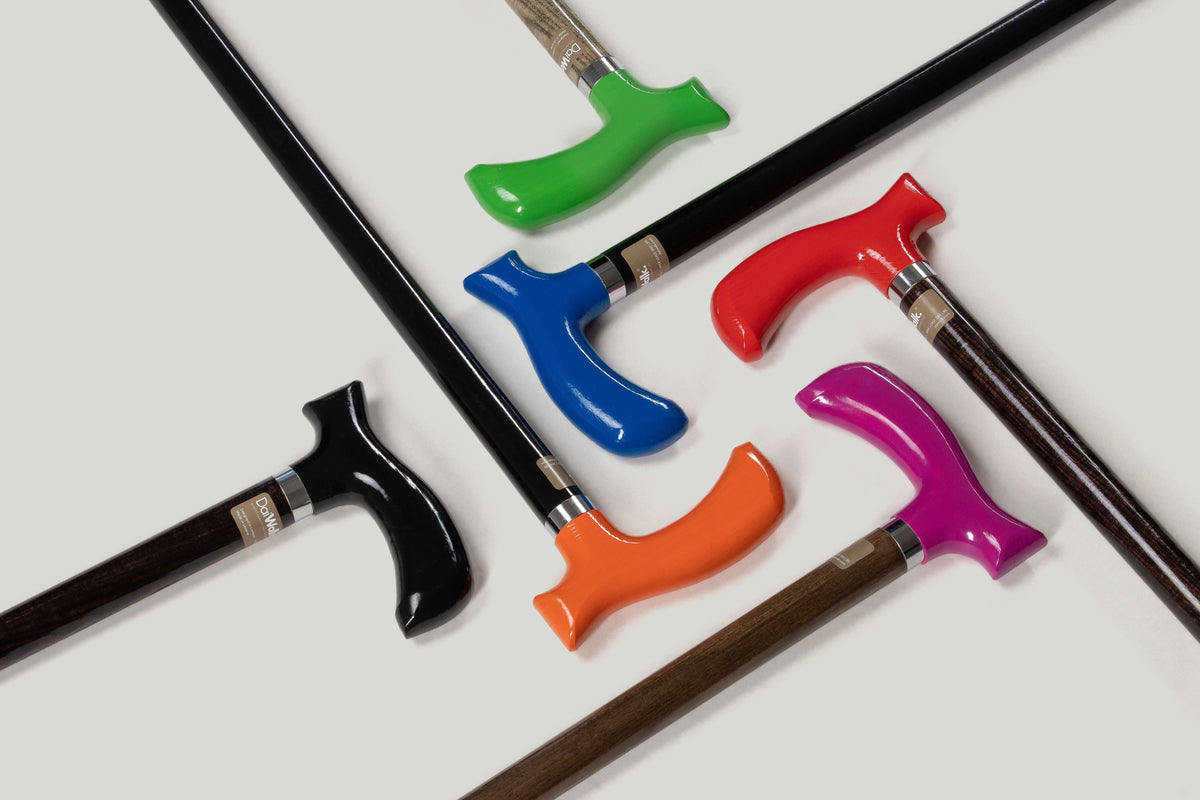
View the full DaiWalk range for office-appropriate handle and finish options, including the discrete natural finishes and the Colour Editions.


